Floating Text For RPG Maker MV/MZ
A downloadable tool
Bring your dialogue to life without breaking the flow of gameplay. HC_FloatingPlayerText is a lightweight RPG Maker MV plugin that displays clean, floating text above the player character — no message box, no pauses, just smooth text that follows the player as they move.

This plugin is perfect for:
- Quick notifications like “Picked up 10 Gold” or “Quest Updated”
- Stylish pop‑ups for buffs, debuffs, or status effects
- Flavor text that appears naturally in the world without interrupting control
Features:
- Non‑blocking: text appears while the player keeps moving and interacting
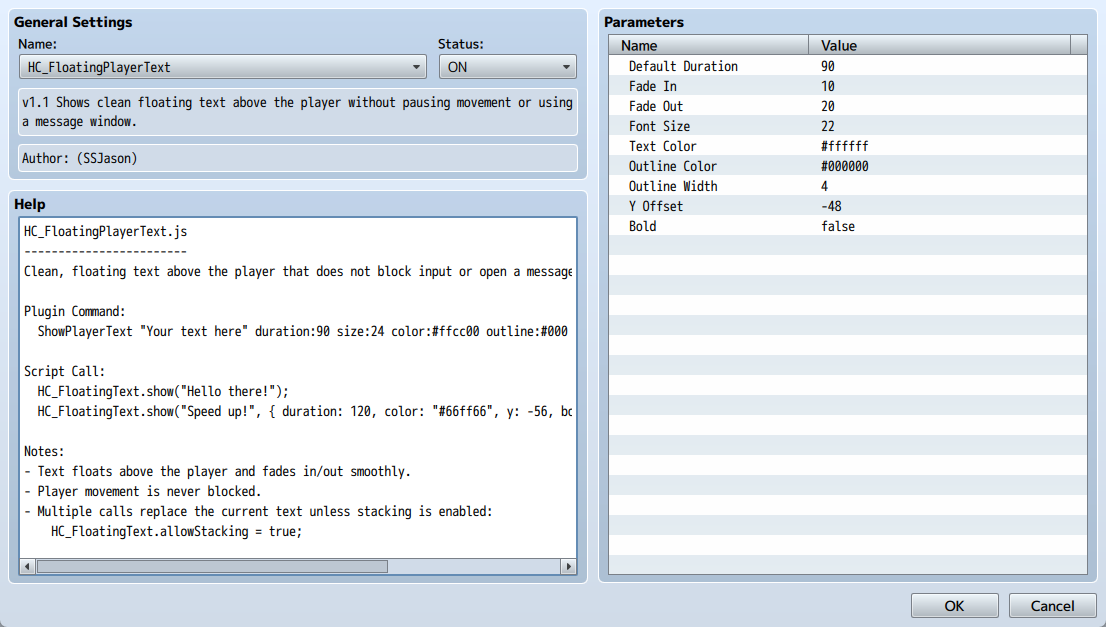
- Fully customizable: duration, fade‑in/out, font size, colors, outline, bold, and vertical offset
- Simple plugin command:
ShowPlayerText "Your text here" duration:90 color:#ffcc00 size:26 - Script call support for advanced control
- Optional stacking mode for multiple messages at once
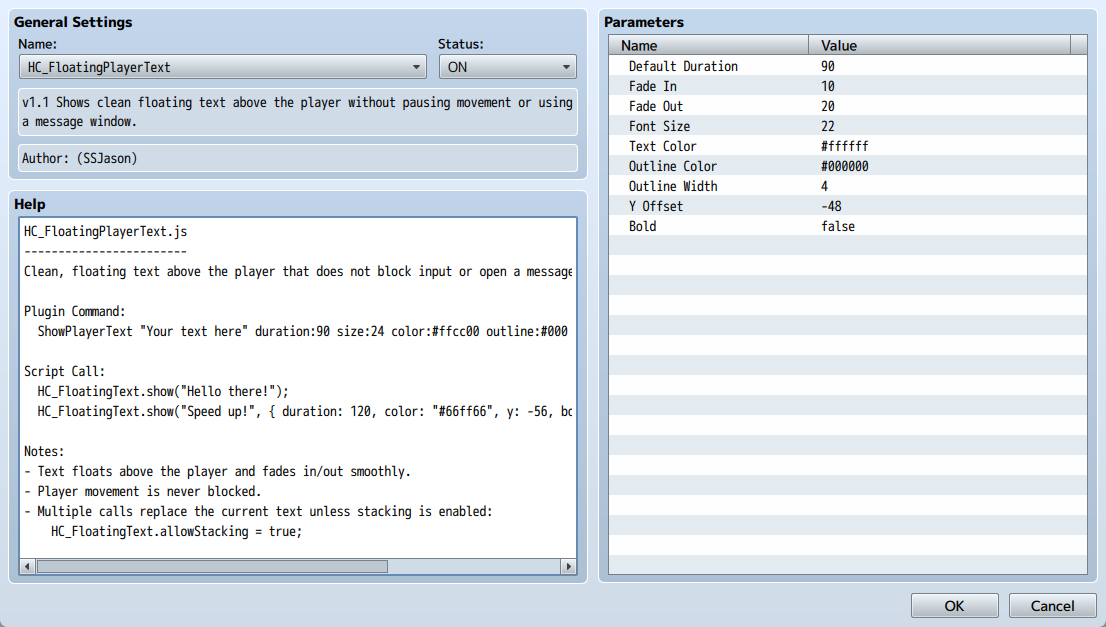
Why use it? Traditional message windows halt gameplay and break immersion. With HC_FloatingPlayerText, you can deliver information instantly and elegantly, keeping your game fast‑paced and engaging. Whether you’re making an action RPG, roguelike, or narrative‑heavy adventure, this plugin helps your text feel integrated into the world.
Feel free to use in projects for yourself or commercially. I just ask for a simple credit.

Download
Click download now to get access to the following files:
Development log
- Version 2.0 ReleasedDec 13, 2025
Comments
Log in with itch.io to leave a comment.
Hey, this is awesome! Any chance we’ll get a version of this which has NPCs/events with a similar text feature? Kind of like how it is in old CRPGs :)
You can use Galv's timed pop up messages, it has a similar feature to this!
You’re a saint!